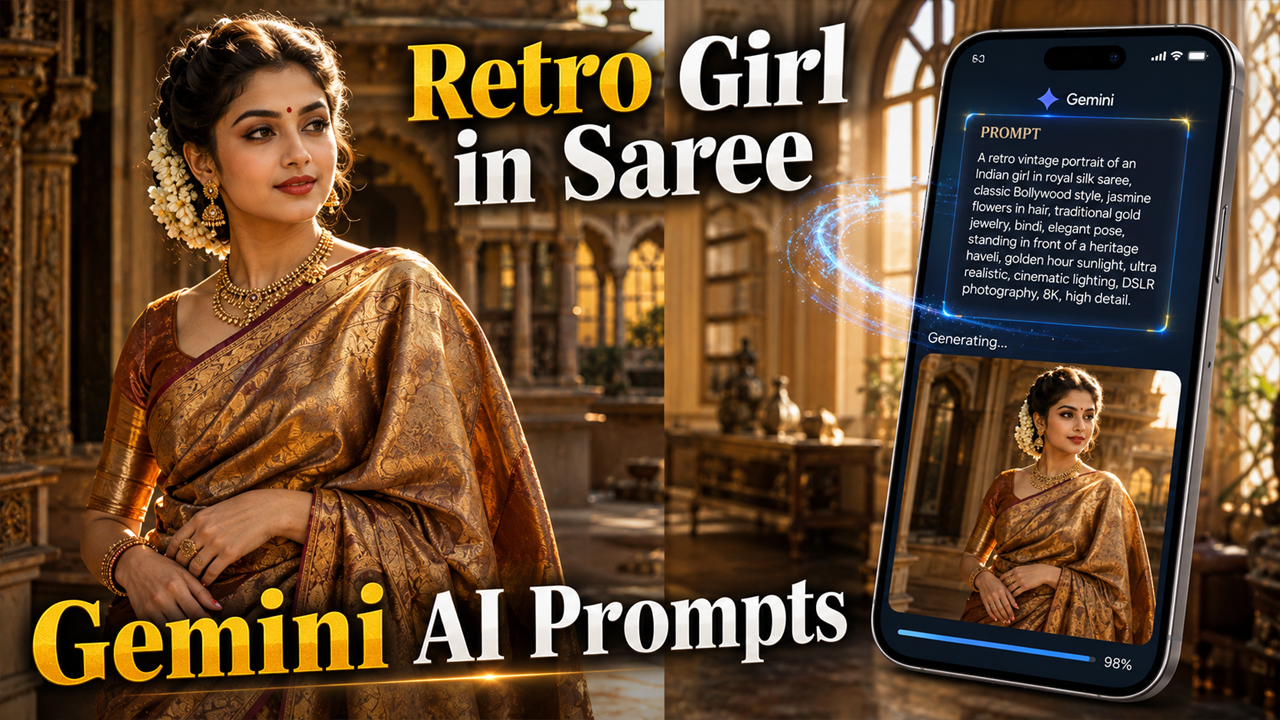
5 Best Retro Girl in Saree Photo Prompts for Gemini AI
Prompt Variants (5 variants)
1. Classic Vintage Saree Portrait
2. Royal Palace Retro Look
3. Retro Bollywood Style Garden
4. Traditional Festival Elegance
5. Timeless Heritage Portrait
Overview
5 Best Retro Girl in Saree Photo Prompts for Gemini AI (2026)
Vintage fashion has made a huge comeback, and retro-style portraits are becoming one of the biggest AI photography trends. Whether you love the charm of classic Bollywood, traditional Indian fashion, or timeless elegance, Gemini AI can help you create stunning retro-inspired portraits in just a few seconds.
The secret to getting premium-looking AI images is using detailed prompts. Instead of asking for a simple "girl in saree," you should describe the lighting, background, outfit, camera angle, colors, and overall mood. This helps Gemini AI generate realistic, cinematic results instead of flat or artificial-looking images.
In this article, you'll find five carefully crafted Gemini AI prompts designed to create elegant retro girl portraits in sarees. Each prompt focuses on realistic lighting, classic Indian aesthetics, and beautiful vintage environments.
Tips for Better Gemini AI Results
Use the latest Gemini image generation model for better realism.
Mention ultra realistic, DSLR photography, and 8K in every prompt.
Avoid overcrowded scenes; keep the background elegant and balanced.
Use warm golden-hour lighting for natural skin tones.
Add camera details such as 85mm portrait lens or professional fashion photography.
Include realistic fabric textures like silk, Banarasi, or cotton sarees.
Avoid excessive effects or unrealistic lighting.
Best Background Style
To make the AI image look premium instead of obviously AI-generated, use backgrounds such as:
Heritage haveli with warm sunlight
Royal palace interiors
Elegant vintage wooden room
Classic Indian garden during golden hour
Traditional festival decorations with natural lighting
Antique library with soft warm tones
Avoid: very dark backgrounds, neon lighting, futuristic effects, heavy smoke, or over-saturated colors. Natural warm lighting produces the most realistic results.
How to Use These Prompts
Open Gemini AI.
Start a new image generation chat.
Copy your favorite prompt.
Add any customization like saree color, hairstyle, or jewelry.
Generate the image.
If needed, regenerate once or twice for even better composition.
Frequently Asked Questions
Are these prompts free to use?
Yes. You can customize and use them for personal projects.
Can I change the saree color?
Absolutely. Replace the color with red, black, green, white, blue, or any shade you prefer.
Do these prompts work with other AI tools?
Yes. They can also be adapted for ChatGPT Images, Grok, Midjourney, Flux, and other AI image generators.
Which lighting looks most realistic?
Golden-hour sunlight and soft indoor warm lighting generally produce the most natural-looking portraits.
Can I use my own photo?
Yes. Upload your photo to an AI tool that supports image references, then use one of these prompts to transform it into a retro saree portrait.
Conclusion
Retro saree portraits combine timeless Indian fashion with cinematic photography. By using detailed prompts with realistic lighting, elegant heritage backgrounds, and authentic styling, Gemini AI can create images that look like professional magazine shoots instead of generic AI artwork. Try different saree colors, locations, and accessories to create your own unique vintage-inspired collection.
Image



