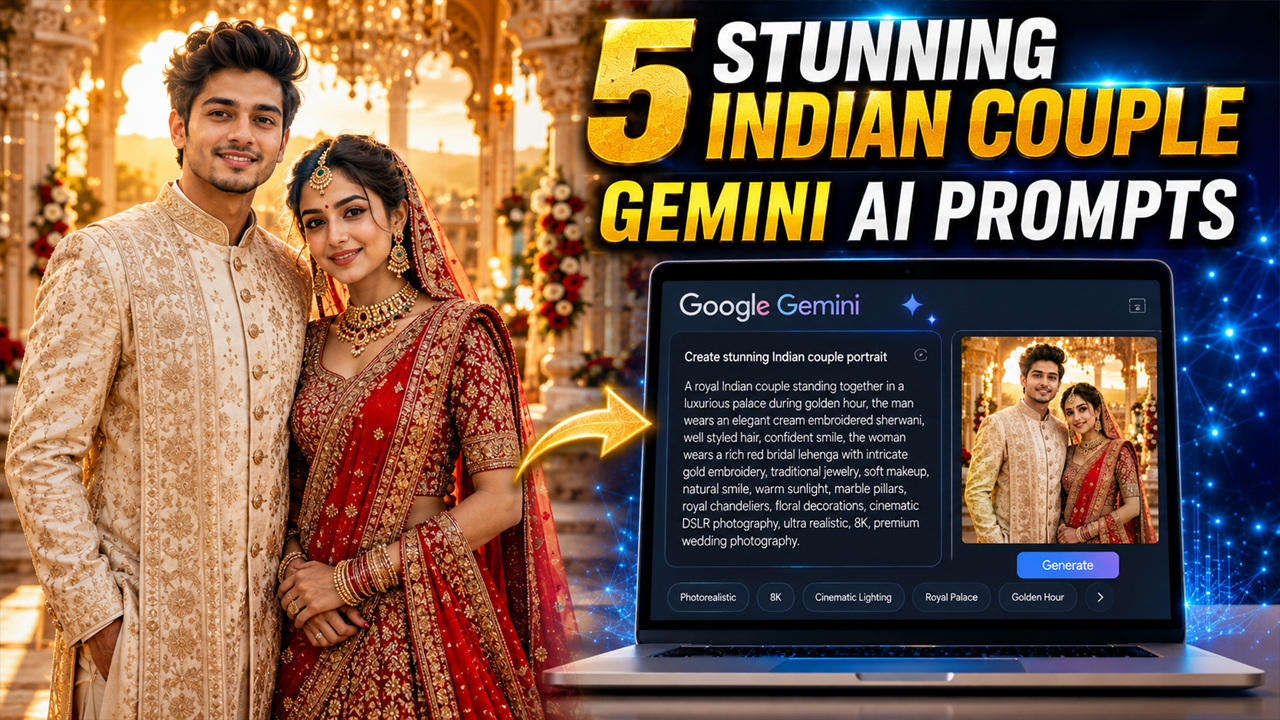
5 Stunning Indian Couple Gemini AI Photo Prompts
Prompt Variants (5 variants)
Prompt 1 – Royal Palace Couple Portrait
This prompt avoids overly dark backgrounds and instead uses warm palace lighting, giving the final image a luxurious and realistic wedding feel.
Prompt 2 – Romantic Garden Evening
Golden-hour lighting always produces softer and more realistic AI photos compared to dark scenes, making the couple appear naturally illuminated.
Prompt 3 – Luxury Rooftop Night Portrait
Instead of using a pitch-black background, the blue-hour skyline creates depth and realism while maintaining premium cinematic quality.
Prompt 4 – Traditional Temple Celebration Portrait
This prompt creates a timeless Indian cultural aesthetic without making the image look overly edited or artificially generated. The warm daylight and traditional setting produce clean, realistic results.
Prompt 5 – Luxury Lakeside Sunset Couple Portrait
Instead of a dark artificial background, the sunset environment adds depth, warmth, and realism. AI models usually produce much cleaner images when lighting is soft and balanced.
Overview
5 Stunning Indian Couple Gemini AI Photo Prompts
Artificial Intelligence has completely transformed the way people create photos. Instead of spending hours planning a professional photoshoot, you can now generate breathtaking portraits with Google Gemini AI in just a few moments. Whether you want a romantic engagement-style image, a royal wedding portrait, or a modern cinematic couple photo, the right prompt can produce incredibly realistic results.
Many users struggle because their AI images look overly artificial, have strange lighting, or feature unrealistic backgrounds. The secret lies in writing detailed prompts that describe the clothing, lighting, camera angle, facial expressions, and environment naturally.
In this article, you'll discover five premium Gemini AI prompts designed especially for Indian couples. These prompts focus on realistic skin tones, balanced lighting, elegant outfits, and premium photography styles so your final images look like they were captured by a professional photographer rather than generated by AI.
How to Use These Gemini AI Prompts
Using these prompts is simple. Follow these steps:
Step 1
Open Google Gemini and switch to image generation mode.
Step 2
Upload your own couple photo if you want AI to preserve your faces. If you're creating a concept image, you can skip this step.
Step 3
Copy one of the prompts from this article and paste it into Gemini.
Step 4
Generate the image. If needed, make small adjustments such as changing outfit colors, location, season, or lighting to match your preference.
Tips for More Realistic AI Photos
Upload a clear, high-resolution reference photo.
Use natural daylight or golden-hour lighting instead of dark scenes.
Describe clothing colors and fabrics in detail.
Mention camera type (DSLR, 85mm lens, portrait photography).
Include terms like ultra realistic, HDR, cinematic lighting, natural skin texture, and professional photography.
Keep backgrounds clean and realistic rather than overcrowded.
Use soft expressions and natural poses for a premium look.
Frequently Asked Questions
Is Google Gemini free for AI photo generation?
Yes, Google Gemini offers image generation features, though availability may vary by region and account type.
Can I upload my own couple photo?
Yes. Uploading a clear photo often helps Gemini create images that better resemble the original people.
Which lighting gives the best results?
Golden hour, soft daylight, and balanced indoor lighting usually produce the most realistic images.
Can I customize outfits and locations?
Absolutely. You can modify clothing, colors, jewelry, locations, weather, and camera style simply by editing the prompt.
Do these prompts work for engagement and wedding photos?
Yes. They can be adapted for engagements, weddings, anniversaries, pre-wedding shoots, festive portraits, or romantic lifestyle photography.
Final Thoughts
Google Gemini AI makes it easier than ever to create stunning Indian couple portraits without expensive photoshoots or professional editing. The quality of the final image depends largely on the prompt you provide. By using detailed descriptions, natural lighting, realistic environments, and professional photography terms, you can achieve results that look authentic rather than obviously AI-generated.
Experiment with different outfits, locations, and moods to create unique portraits that match your style. Whether you prefer traditional elegance, luxury fashion, or cinematic romance, these prompts provide a strong starting point for creating beautiful AI-generated memories.
Image



