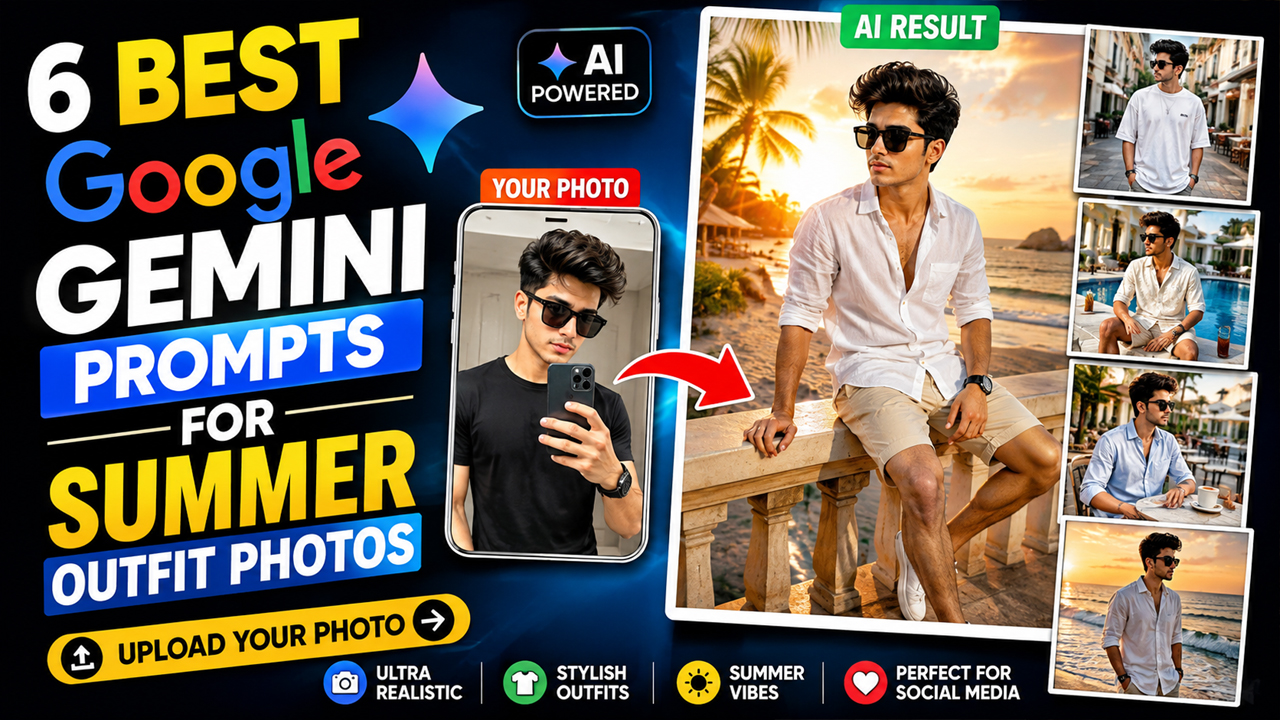
6 Best Google Gemini Prompts for Summer Outfit Photos
Prompt Variants (5 variants)
Prompt 1 – Luxury Beach Vacation Outfit
Prompt 2 – Casual Summer Street Style
Prompt 3 – Resort Poolside Look
Prompt 4 – Summer Coffee Date
Prompt 5 – Sunset Beach Walk
Overview
6 Best Google Gemini Prompts for Summer Outfit Photos
Summer is the perfect season for bright colors, stylish fashion, sunny vacations, and outdoor photography. But what if you could create professional-quality summer outfit photos without hiring a photographer or traveling to expensive locations?
With Google Gemini AI, you can generate eye-catching summer fashion portraits simply by uploading your own photo and using the right prompt. Whether you're looking for a beach vacation look, a casual street style outfit, or a luxury resort aesthetic, Gemini AI can transform your picture into something that looks professionally captured.
In this article, you'll find 6 unique Google Gemini prompts designed specifically for creating stylish summer outfit photos. Just upload your selfie, copy the prompt, and let Gemini do the magic.
How to Use These Prompts
Before using any prompt below:
Open Google Gemini.
Upload your clear front-facing photo.
Copy your favorite prompt.
Paste it into Gemini.
Generate your AI image.
For the best results, upload a high-resolution photo with a neutral background and good lighting.
Tips for Better AI Results
Upload a high-quality selfie with your face clearly visible.
Face the camera directly whenever possible.
Use natural lighting instead of dark indoor photos.
Avoid blurry or low-resolution images.
Keep the background simple for better face recognition.
Mention details like sunglasses, watches, shoes, or colors if you want a customized look.
Use words such as ultra realistic, DSLR, 8K, cinematic lighting, and editorial fashion to improve image quality.
Why Summer Outfit AI Photos Are Trending
AI-generated fashion portraits have become incredibly popular because they allow anyone to experiment with different outfits and travel-inspired aesthetics without spending money on professional photography. Whether you're creating content for Instagram, Facebook, or your personal portfolio, AI makes it possible to generate premium-looking images in minutes.
Google Gemini understands detailed descriptions and can combine clothing, lighting, locations, and realistic facial preservation to create stunning fashion images that look natural and eye-catching.
Frequently Asked Questions
Can I use these prompts in Google Gemini?
Yes. These prompts are designed specifically for Google Gemini with photo upload support.
Do I need professional photography skills?
No. Simply upload your photo and paste the prompt.
Can I change the outfit colors?
Yes. Replace any clothing color or style mentioned in the prompt.
Will Gemini keep my face realistic?
Using a clear front-facing image greatly improves facial accuracy.
Can girls use these prompts?
Yes. Simply modify the clothing description to match your preferred fashion style.
Conclusion
Creating stylish summer outfit photos no longer requires expensive cameras or vacation destinations. With Google Gemini AI and the right prompts, you can generate realistic fashion portraits in just a few minutes. Try different outfits, locations, lighting styles, and accessories to create unique AI images that stand out on social media.
Image



