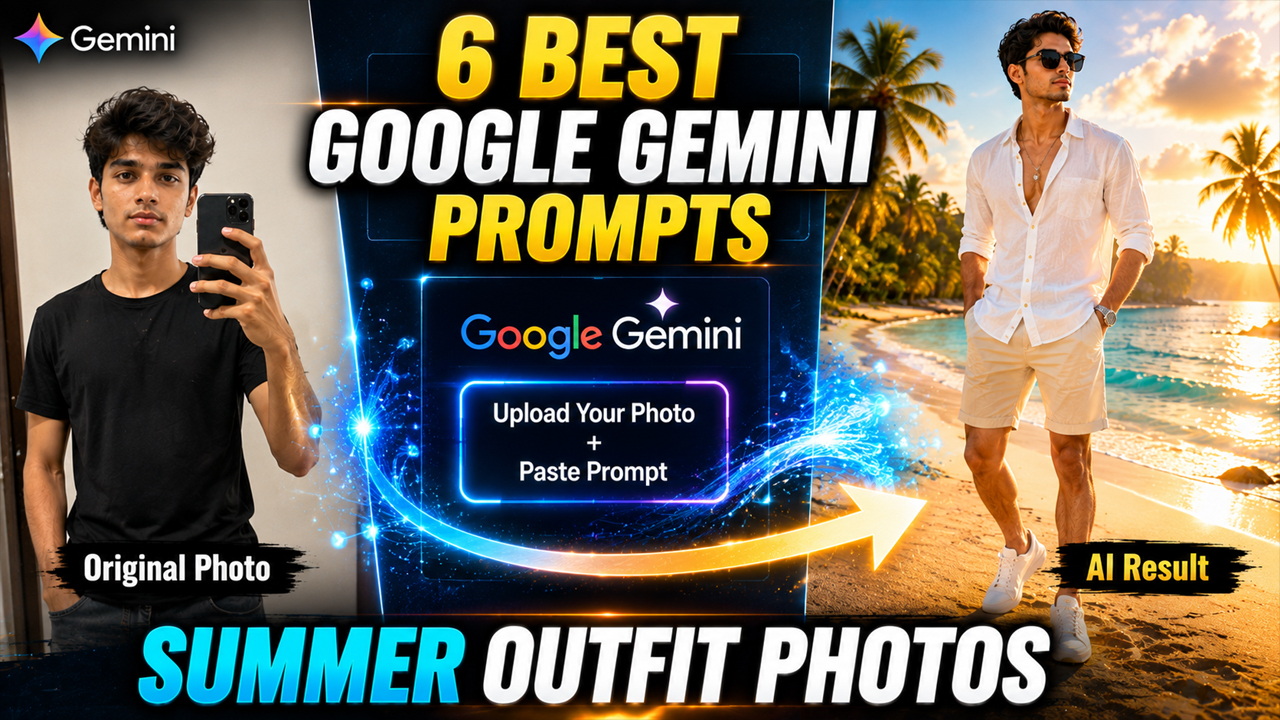
6 Best Google Gemini Prompts for Summer Outfit Photos
Prompt Variants (6 variants)
Prompt 1 – Luxury Beach Vacation Look
Prompt 2 – Casual Summer Street Fashion
Prompt 3 – Tropical Island Vacation
Prompt 4 – Luxury Resort Poolside Look
Prompt 5 – Golden Hour Beach Walk
Prompt 6 – Modern Summer Café Style
Overview
6 Best Google Gemini Prompts for Summer Outfit Photos
Summer is the perfect season for bright colors, beach vacations, stylish street fashion, and unforgettable travel memories. But what if you could create premium-quality summer outfit photos without hiring a professional photographer or buying expensive clothes?
With Google Gemini AI, you can transform an ordinary selfie into a stunning fashion portrait. Simply upload your photo and use a detailed prompt to generate realistic images featuring beach outfits, tropical vacations, luxury resorts, casual streetwear, or sunset photography.
Whether you're creating content for Instagram, Facebook, YouTube Shorts, or simply want amazing profile pictures, these prompts will help you generate eye-catching AI photos in just a few seconds.
Tip: Upload a clear front-facing photo with good lighting before using these prompts for the best results.
Why Use Gemini AI for Summer Outfit Photos?
Google Gemini makes it easy to generate stylish, realistic images from a single uploaded photo. Instead of editing pictures manually, AI can recreate fashionable outfits and premium backgrounds while preserving your facial identity.
Some popular uses include:
Instagram profile photos
Vacation-themed posts
Fashion portfolio images
Lifestyle content
AI influencer photos
Social media thumbnails
Personal branding
How to Use These Google Gemini Prompts
Getting professional-looking AI outfit photos is simple if you follow the right steps.
Step 1
Open Google Gemini and sign in to your account.
Step 2
Upload a clear, high-quality photo of yourself. A front-facing image with good lighting works best.
Step 3
Copy one of the prompts from this article.
Step 4
Paste the prompt into Gemini and submit it along with your uploaded image.
Step 5
Wait for the AI to generate your summer outfit portrait. If needed, tweak the prompt by changing the outfit colors, location, lighting, or accessories to match your preferred style.
Tips for Better AI Results
Use a high-resolution selfie with a clean background.
Make sure your face is clearly visible.
Keep the prompt detailed for better accuracy.
Mention realistic lighting such as golden hour, soft daylight, or sunset.
Add photography terms like DSLR, cinematic, HDR, ultra-realistic, and 8K.
Specify accessories such as sunglasses, watches, hats, or bags for a premium fashion look.
If the first result isn't perfect, regenerate the image with small prompt adjustments.
Frequently Asked Questions
Can I use these prompts in Google Gemini?
Yes. These prompts are written specifically for Google Gemini and work best when you upload your own photo before generating the image.
Will Gemini keep my face the same?
If you clearly mention that your facial features, hairstyle, and identity should remain unchanged, Gemini generally produces more consistent results.
Are these prompts free to use?
Yes. You can copy, modify, and use these prompts for your personal AI-generated photos.
Can I create Instagram-ready images?
Absolutely. These prompts are designed to generate stylish, high-quality portraits suitable for Instagram, Facebook, X, Threads, and other social media platforms.
Which photo gives the best result?
A sharp, front-facing photo with natural lighting usually produces the most realistic output.
Conclusion
Google Gemini has made it easier than ever to create stunning AI fashion portraits without expensive photoshoots or professional editing. By combining a clear uploaded photo with a detailed prompt, you can generate realistic summer outfit images for vacations, beach scenes, luxury resorts, cafés, or social media content in just a few moments.
Feel free to customize the outfit colors, locations, lighting, and accessories to create a unique look that matches your personal style. The more descriptive your prompt, the more realistic and impressive your final AI-generated image will be.
Image



