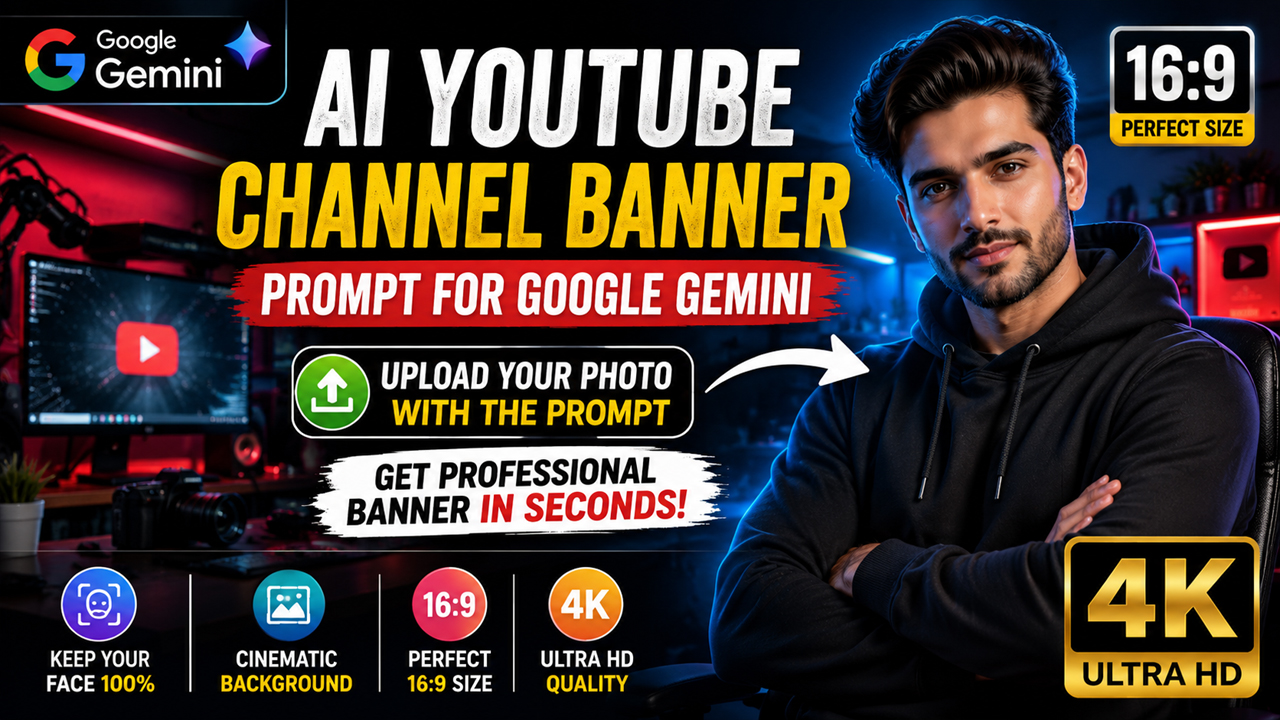
AI YouTube Channel Banner Prompt for Google Gemini (Upload Your Photo)
Overview
A professional YouTube banner is one of the first things visitors notice when they open your channel. Instead of designing everything manually, you can use Google Gemini to transform your own photo into a premium YouTube channel banner with cinematic lighting, modern branding, and a high-quality creator look.
This prompt is specially designed for Google Gemini Image Editing. Simply upload your own photo along with the prompt below, and Gemini will preserve your facial identity while transforming the image into a professional YouTube banner. Your face remains recognizable while the outfit, background, lighting, and overall style are upgraded for a premium creator appearance.
Whether you run a gaming channel, AI channel, tech channel, finance channel, education channel, travel channel, or personal brand, this prompt creates a clean, modern, and eye-catching banner suitable for YouTube.
What You'll Create
Using this prompt, you'll create a premium YouTube channel banner featuring your own face, cinematic lighting, a modern creator studio background, professional branding, realistic skin details, vibrant colors, and a clean layout with space for your channel name and slogan.
Best AI Settings
Setting Value
AI Tool Google Gemini
Image Type Image Editing (Upload Reference Photo)
Aspect Ratio 16:9
Resolution 2560×1440 Pixels
Style Ultra Realistic
Quality HDR
Camera 85mm Portrait Lens
Lighting Cinematic Studio Lighting
Detail Level Maximum
Best For
YouTube Channels
Gaming Channels
AI Channels
Tech Channels
Business Channels
Finance Channels
Education Channels
Personal Branding
Content Creators
Streamers
Image



