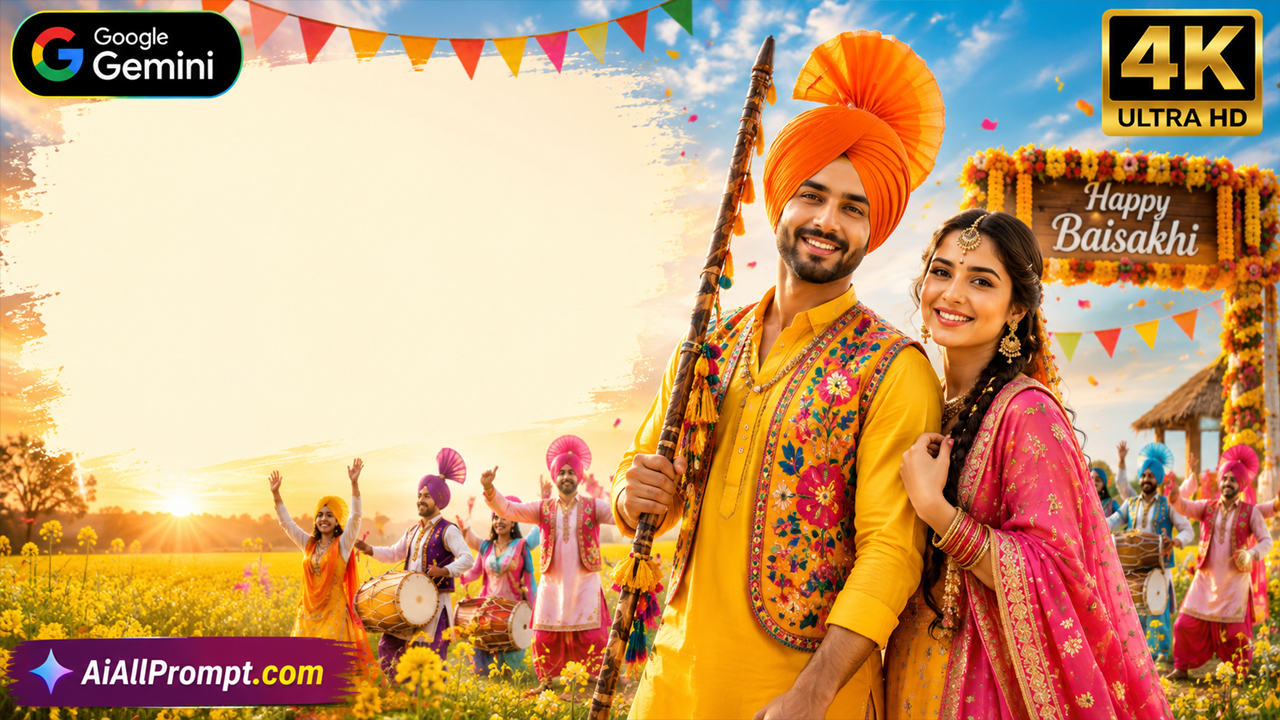
Baisakhi AI Image Prompt for Google Gemini (Transform Your Photo into a Traditional Punjabi Festival Portrait)
Overview
Celebrate the vibrant spirit of Baisakhi by transforming your ordinary photo into a stunning traditional Punjabi festival portrait using Google Gemini. This prompt is specially designed for users who want to upload their own photo and receive a realistic Baisakhi-themed image without changing their facial identity.
Simply upload your photo along with the prompt below in Google Gemini. The AI will preserve your face, hairstyle, skin tone, and natural expression while transforming your outfit, background, lighting, and overall style into a colorful Baisakhi celebration.
Whether you're creating social media posts, festive profile pictures, greeting cards, or cultural artwork, this prompt generates premium-quality images with realistic details and cinematic lighting.
What You'll Create
This prompt transforms your uploaded photo into an ultra-realistic Baisakhi festival portrait featuring authentic Punjabi traditional clothing, colorful decorations, mustard fields, festive atmosphere, realistic facial details, natural lighting, and professional photography quality.
Best AI Settings
Setting Value
AI Tool Google Gemini
Image Mode Image Editing (Upload Photo)
Aspect Ratio 4:5 Portrait
Resolution 4096×5120 (4K Ultra HD)
Camera 85mm Portrait Lens
Lighting Warm Golden Festival Lighting
Quality HDR
Detail Level Maximum
Best For
Baisakhi Festival Posts
Instagram Profile Picture
Facebook DP
WhatsApp Profile Photo
Greeting Cards
Punjabi Festival Artwork
AI Photo Transformation
Social Media Content
Image



