Instagram Boy Photo Editing Prompts That Actually Work
Prompt Variants (5 variants)
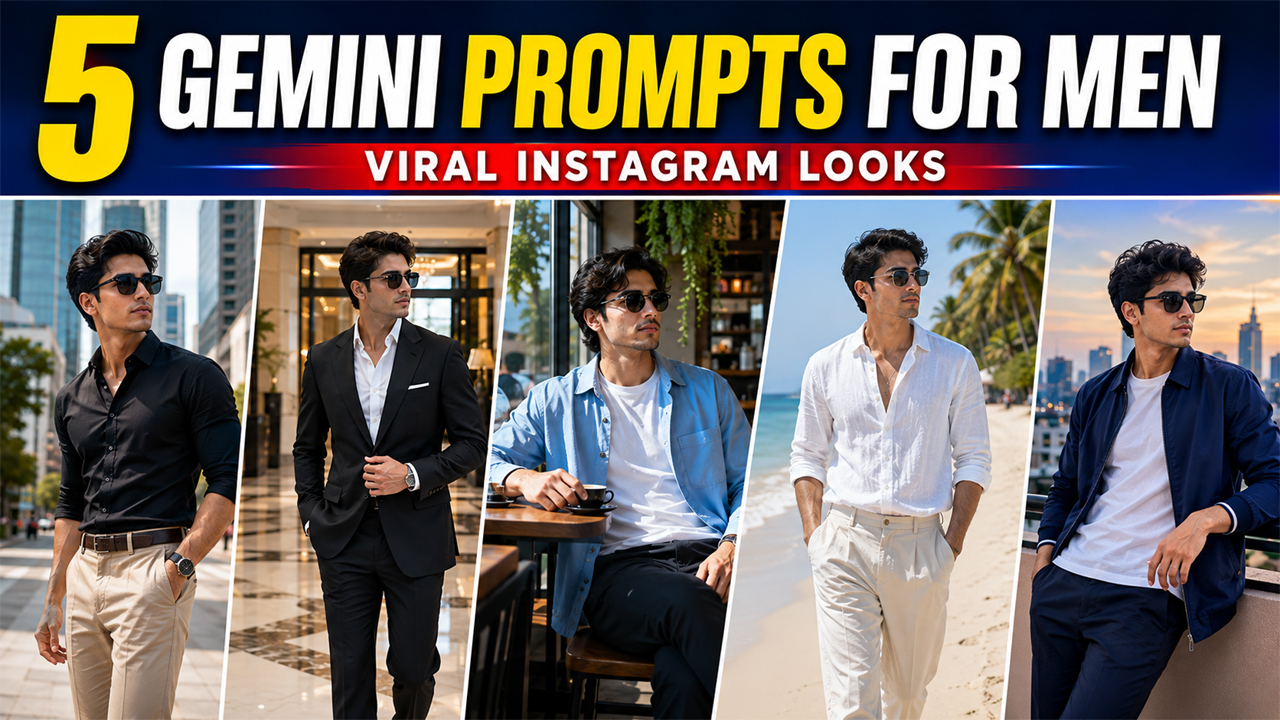
1. Luxury Instagram Portrait Prompt for Boys
Why It Works This prompt combines luxury styling with a realistic environment. Instead of asking for an unrealistic mansion or dramatic artificial lighting, it uses modern architecture and natural daylight to create a believable premium look. It is a good choice if you want your Instagram photo to look polished without appearing heavily edited.
2. Street Style Instagram Photo Prompt
This prompt works well with casual outfits, sneakers, jackets, hoodies, denim, and everyday fashion. It can also be adapted for different seasons simply by changing the clothing.
3. Clean Outdoor Portrait Prompt
A bright outdoor environment gives the AI enough visual information to create realistic lighting and colors. It also avoids the common problem where AI portraits become excessively dark simply because the prompt asks for a "cinematic" or "moody" look. This style is especially suitable for Instagram profile photos.
4. Premium Casual Café Photo Prompt
This type of image works particularly well when you want your profile to have a lifestyle aesthetic rather than only posting close-up selfies. You can also replace the café with a bookstore, rooftop restaurant, modern workspace, or outdoor coffee shop.
5. Cinematic Golden-Hour Instagram Portrait
For a more stylish and eye-catching result, try a golden-hour portrait. Unlike extremely dark cinematic edits, this prompt uses warm sunlight while keeping the overall image bright and realistic.
Overview
5 Best Viral Instagram Boy Photo Editing Prompts That Actually Work
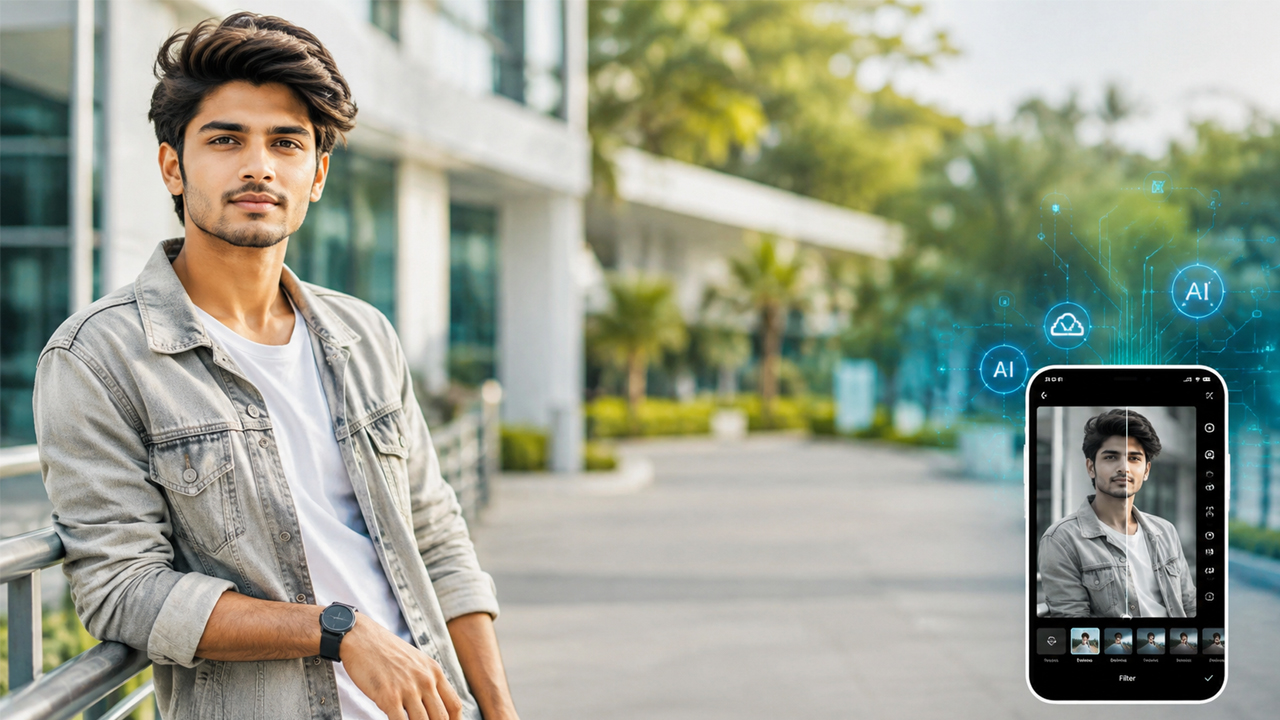
If you want your Instagram photos to look stylish, premium, and naturally attractive, you do not always need an expensive camera or professional photoshoot. With the right AI photo editing prompt, you can transform an ordinary selfie or portrait into a polished Instagram-ready image while keeping your face and overall appearance natural.
Google Gemini can be especially useful for this type of photo editing. You can upload your own photo and describe the style, outfit, lighting, background, camera look, and overall mood you want. The key is to give the AI enough visual direction without making the final image look overly edited.
In this guide, you will find 5 original Google Gemini photo editing prompts for boys designed for Instagram-style portraits. Each prompt focuses on a different aesthetic, including luxury, street fashion, casual lifestyle, outdoor portraits, and cinematic urban photography.
The prompts are written to keep the subject realistic, the lighting balanced, and the background bright enough to avoid that typical overly dark AI-generated appearance.
How These Instagram AI Prompts Work
Before using any prompt, upload a clear photo of yourself to Google Gemini. A front-facing or slightly angled portrait with good facial visibility usually gives better results.
You can then paste one of the prompts below and ask Gemini to edit the uploaded image.
The prompts are designed to preserve important personal characteristics such as:
Facial identity
Natural skin texture
Hair style and facial structure
Realistic body proportions
Natural-looking clothing
Realistic lighting
Authentic photographic details
For the best result, avoid uploading extremely blurry or heavily filtered photos.
How to Get Better Results From Gemini
The prompt is important, but the quality of your original photo also matters.
1. Upload a Clear Photo
Use an image where your face is clearly visible. Avoid extremely low-resolution selfies.
2. Keep Your Identity Consistent
If you want the edited image to still look like you, specifically tell Gemini to preserve your facial identity and recognizable features.
3. Avoid Over-Editing
Words such as "perfect face," "flawless skin," and "superhuman body" can sometimes make the result look artificial. Natural descriptions generally produce more believable photographs.
4. Ask for Natural Lighting
Instead of simply saying "cinematic lighting," describe the actual lighting you want—such as soft daylight, golden-hour sunlight, or window light.
5. Keep the Background Visible
If you want a bright image, explicitly mention that the background should be well exposed, clean, bright, and naturally visible.
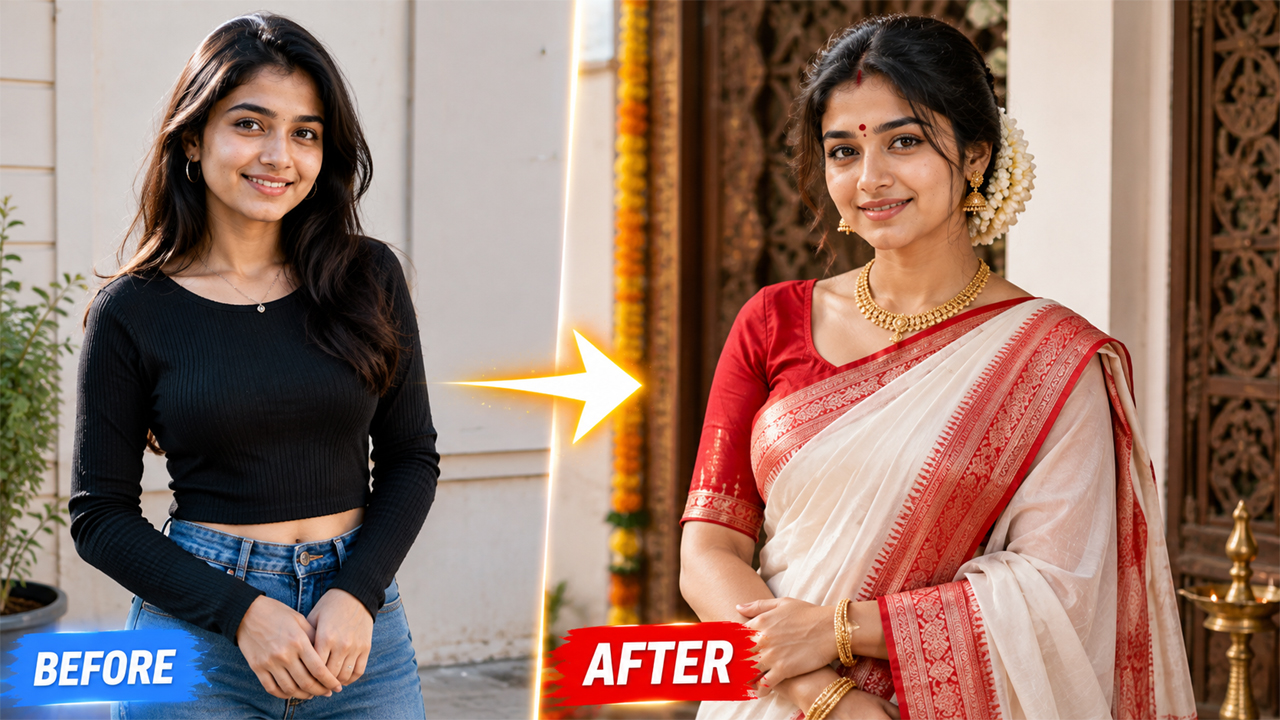
6. Try Different Outfits
The same portrait can produce completely different Instagram posts by changing only the clothing. Try:
Oversized streetwear
Smart casual shirt
Denim jacket
Blazer
Minimal T-shirt
Summer outfit
Traditional outfit
Common Problems With AI Photo Editing
Sometimes AI-generated edits can look unrealistic. You may notice problems such as distorted fingers, unnatural skin, strange clothing, excessive face smoothing, or backgrounds that are too dark.
If this happens, simply modify the prompt and specifically request:
"Keep realistic hands, natural skin texture, accurate facial proportions, realistic lighting, and a naturally exposed background."
You can also ask Gemini to make the result less stylized and more photographic.
Which Prompt Should You Try First?
If you want a premium profile photo, start with the Luxury Instagram Portrait.
For a fashionable urban look, use the Street Style Prompt.
For something simple and natural, the Outdoor Portrait Prompt is the better choice.
If you prefer lifestyle content, try the Café Prompt.
And if you want a more dramatic but still bright photograph, the Golden-Hour Prompt is a great option.
Final Thoughts
Creating attractive Instagram photos with AI does not require complicated instructions. The biggest difference comes from describing the scene clearly and telling the AI exactly what should remain natural.
The five prompts above are designed around realistic photography rather than exaggerated AI effects. They focus on natural skin, accurate facial identity, realistic clothing, balanced lighting, and bright backgrounds.
Upload your own clear photo to Google Gemini, choose the style that matches your personality, paste the corresponding prompt, and experiment with different outfits and locations.
For the most realistic results, remember one simple rule: ask AI to enhance the photograph rather than completely change the person. That small difference can make the final image look much more natural and suitable for Instagram.
Image