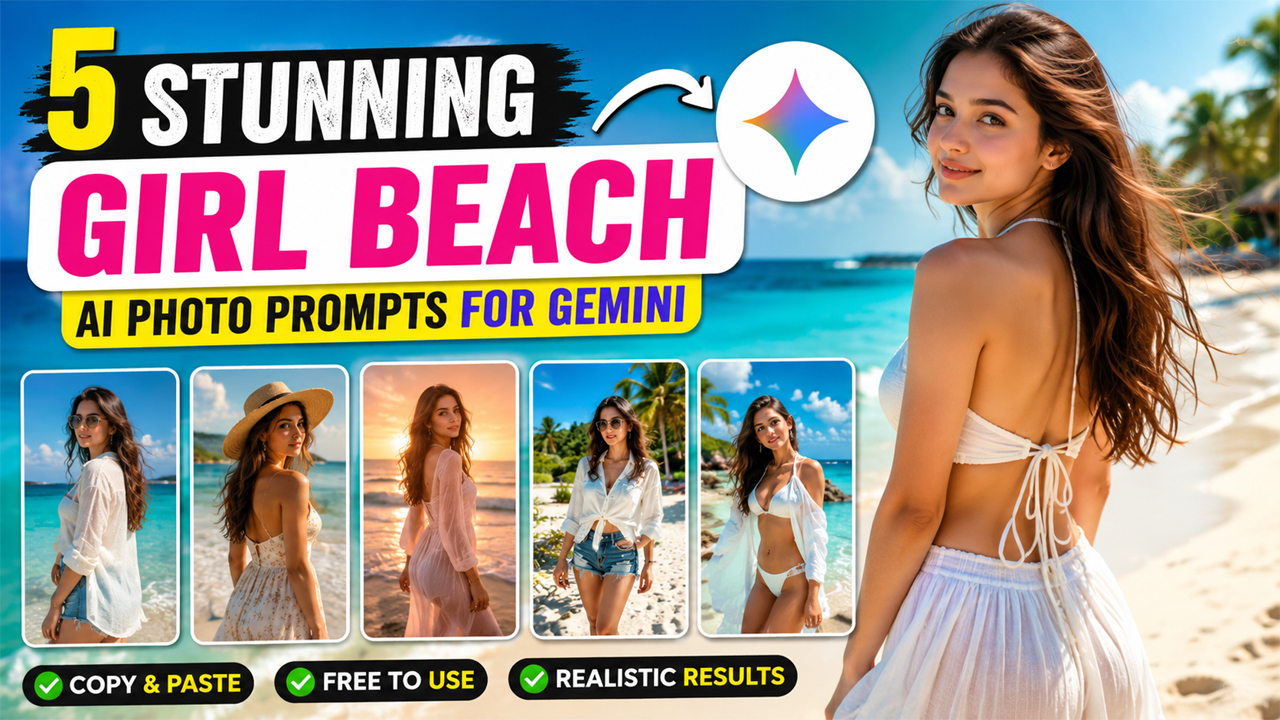
Stunning Girl Beach AI Photo Prompts for Gemini
Prompt Variants (5 variants)
Prompt 1 – Tropical Beach Morning Look
Prompt 2 – Luxury Resort Beach Photoshoot
Prompt 3 – Sunset Beach Portrait
Prompt 4 – Casual Summer Beach Style
Prompt 5 – Luxury White Beach Portrait
Overview
5 Stunning Girl Beach AI Photo Prompts for Gemini
AI image generation has made it incredibly easy to create professional-quality beach portraits without expensive cameras or photoshoots. With Google Gemini, you can generate vibrant summer beach images that look natural, realistic, and ready for social media.
The secret to getting the best results is writing detailed prompts. Instead of simply asking for "a girl on a beach," describe the lighting, environment, camera style, outfit, colors, mood, and photography quality. This helps Gemini create images that appear like real DSLR photographs instead of obvious AI artwork.
Below are five unique prompts designed to produce bright, ultra-realistic beach portraits with clean lighting, natural skin tones, and premium photography quality.
Best Settings for Gemini
For the most realistic results, upload a clear reference image if you want the AI to preserve facial identity. Use bright daylight scenes, avoid requesting dramatic dark lighting, and include terms like photorealistic, DSLR photography, HDR, natural skin texture, realistic lighting, and 8K quality. These keywords consistently improve image quality and reduce the artificial AI look.
Tips for Better AI Beach Photos
Choose bright morning or golden-hour lighting instead of dark scenes.
Use detailed outfit descriptions for more fashionable results.
Mention DSLR camera quality and HDR for realistic images.
Add ocean, palm trees, and white sand to create a premium travel vibe.
Keep colors natural rather than overly saturated.
Include realistic skin texture and natural facial details.
Use 8K and ultra photorealistic keywords for sharper images.
Frequently Asked Questions
Is this prompt free to use?
Yes. You can copy these prompts and use them in Google Gemini.
Can I upload my own photo?
Yes. Uploading your own image allows Gemini to keep your face while changing the background and style.
Why do some AI images look fake?
Short prompts often generate unrealistic results. Detailed prompts with lighting, camera, and photography information usually produce much better images.
Can I use these images on Instagram?
Yes, as long as you follow the terms of the AI platform you use.
Which lighting gives the best results?
Bright daylight and golden-hour lighting usually create the most realistic beach portraits.
Conclusion
These five Gemini AI beach prompts are designed for creators who want premium-quality summer portraits with realistic lighting and professional photography aesthetics. By combining detailed descriptions with bright natural lighting, DSLR camera settings, and photorealistic styling, you can generate beach images that look clean, vibrant, and ready to share on social media. Feel free to customize outfits, accessories, poses, and locations to create your own unique beach-inspired AI portraits.
Image



